
Motion you design, not code It plays the same on your site.
Give a layer an entrance, tie it to the scroll, loop it, or make it answer the pointer. You set it in the Prototype tab, play it on the canvas, and it ships in your site with nothing to install. This page moves the same way: it runs on the engine your site would.
Four kinds of motion
Appear: a layer arrives as it scrolls into view, as a whole, line by line, word by word or letter by letter. The headings on this page do.
While scrolling: it moves, zooms, rises into place or slices together as the page scrolls past it, and a section can hold while it plays.
Loop and Effects: marquees, floats and pulses that keep going, and pictures, text and buttons that answer the pointer.
Try it
Pick one and watch it play. Each runs on Scrollwork, the engine your published site carries, and shows the setting the layer holds.
Appear
Hover
Effects
Loops
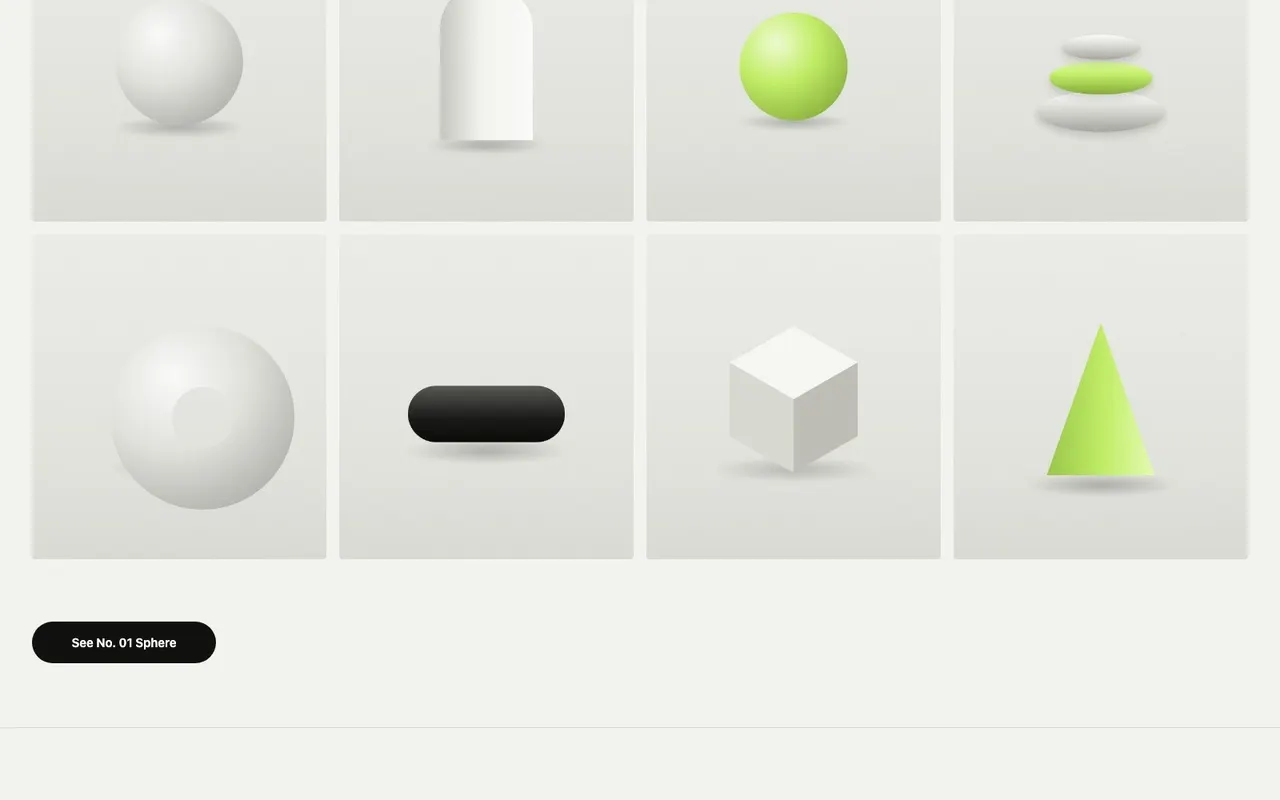
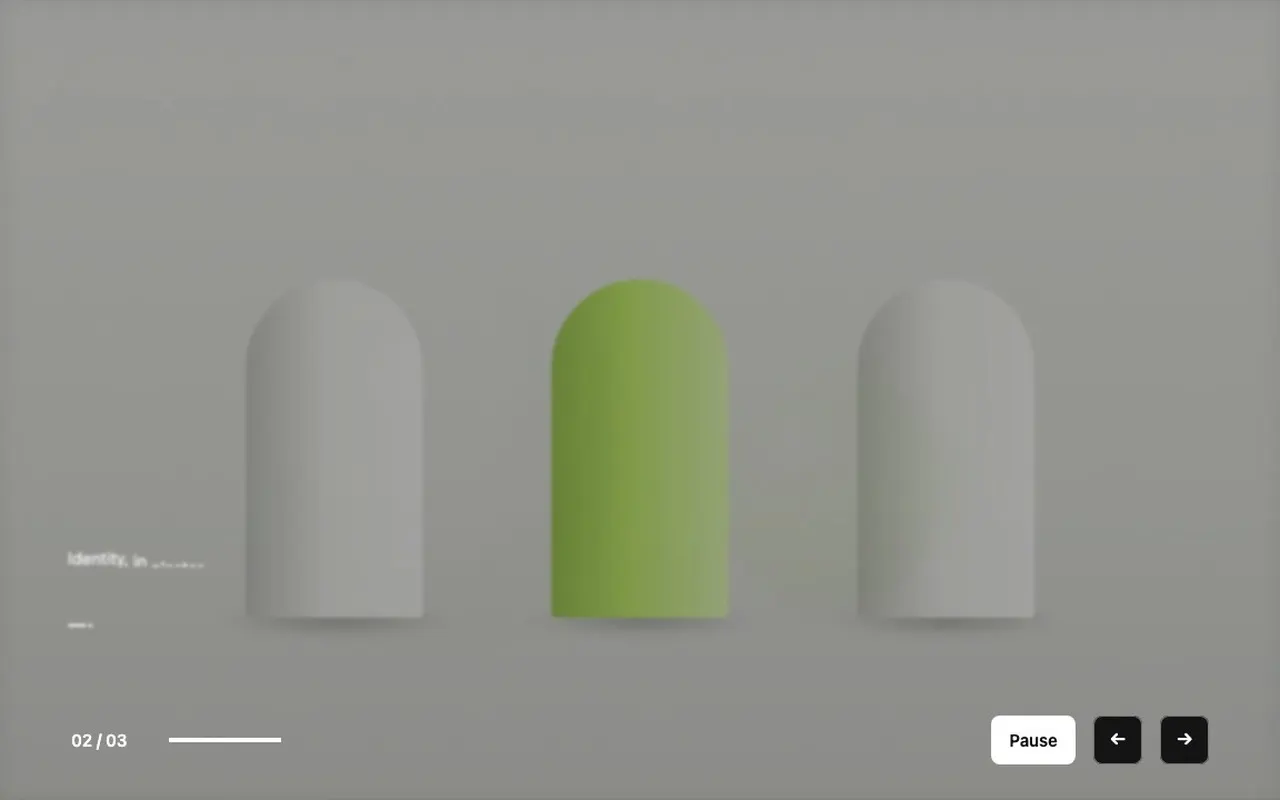
ArchConeCubeLimePillRingSphereStackArchConeCubeLimePillRingSphereStack
Plays as it comes into view.
ArchConeCubeLimePillRingSphereStackArchConeCubeLimePillRingSphereStack
While scrolling, live
Scroll on. These are set the way uxdeck’s While scrolling sets a layer.
Every word of this sentence lights up as it reaches you, the way a paragraph set to While scrolling, by word, does on a site you publish from uxdeck.
Keep scrolling: this section holds while the pictures find their places.
Details worth sweating
More of what ships today, recorded in uxdeck.
Play on the canvas. Run an entrance where you design it, without opening Preview.
Slices. A heading cut into strips that come together as the page scrolls.
Zoom. A picture that grows as you scroll past it.
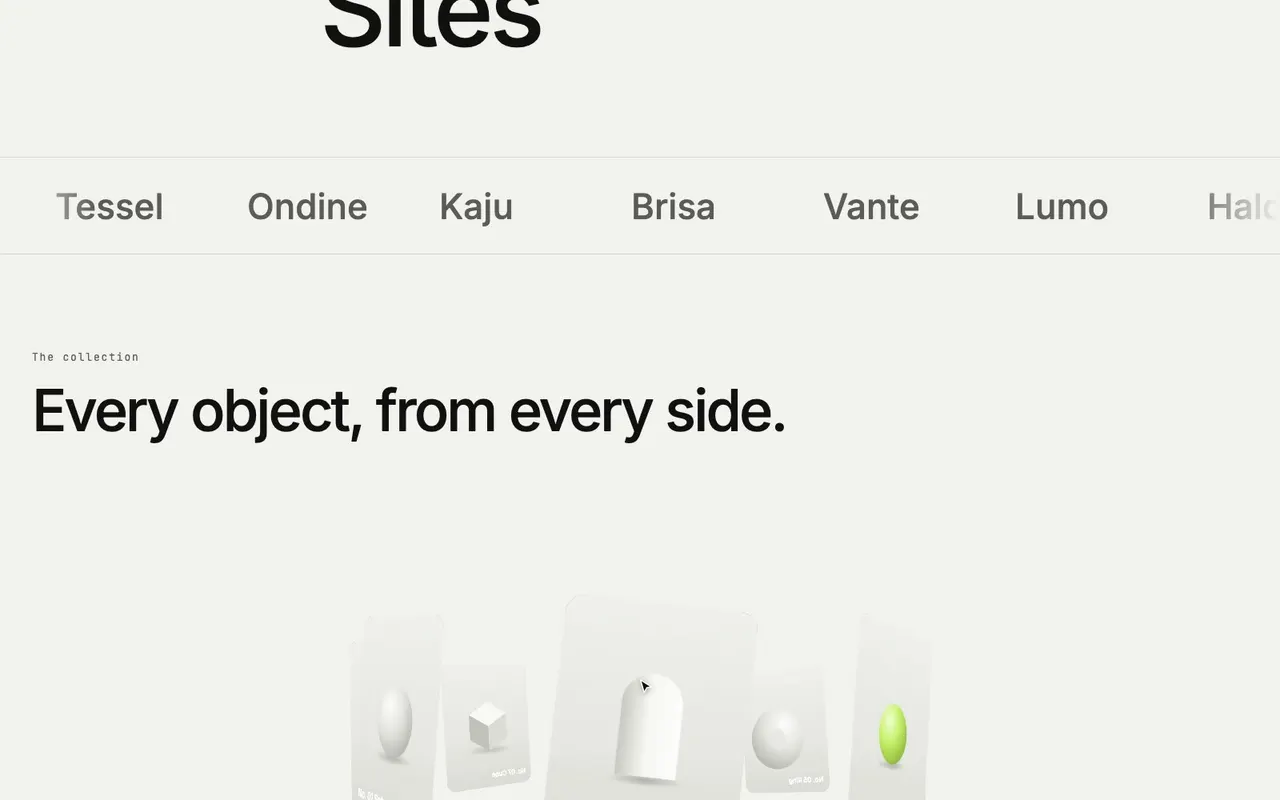
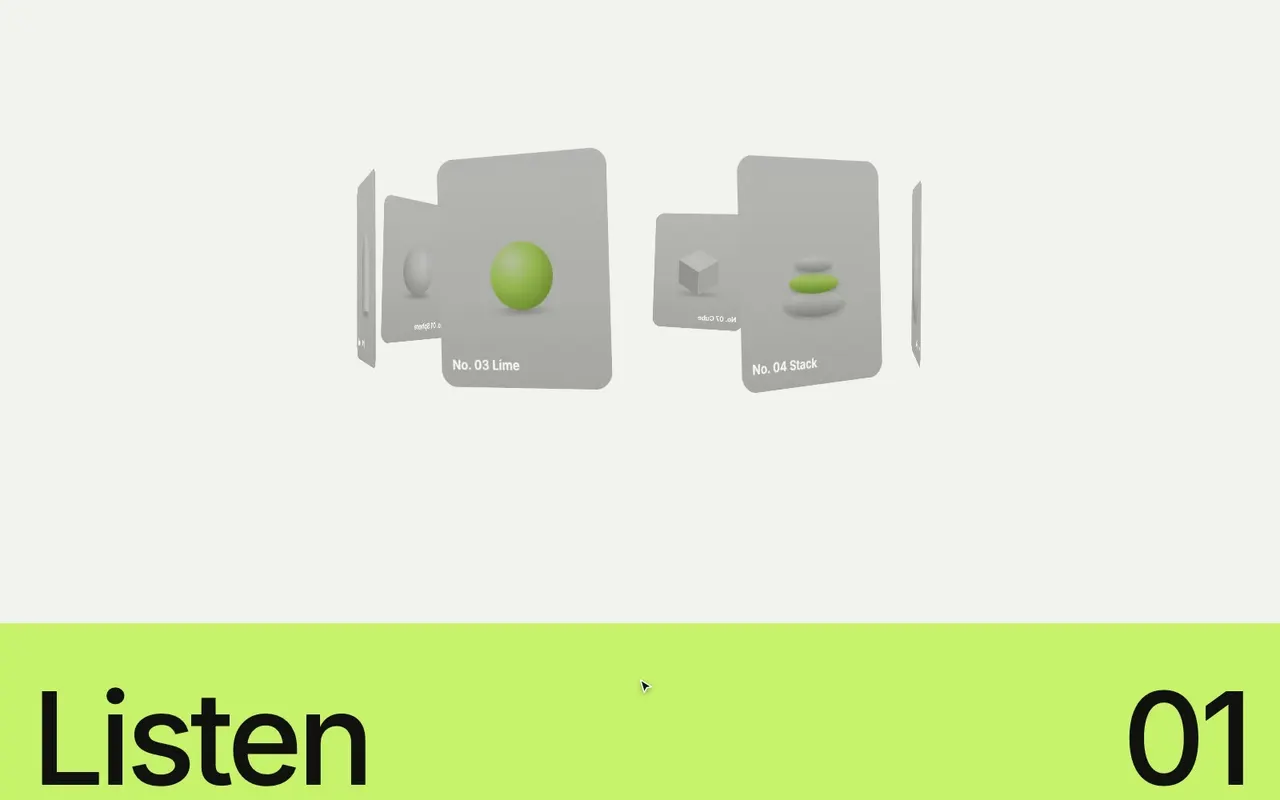
Text cylinder. Lines of large type roll round a cylinder as the page scrolls.
Marquee. Logos that slide for ever, with faded ends.
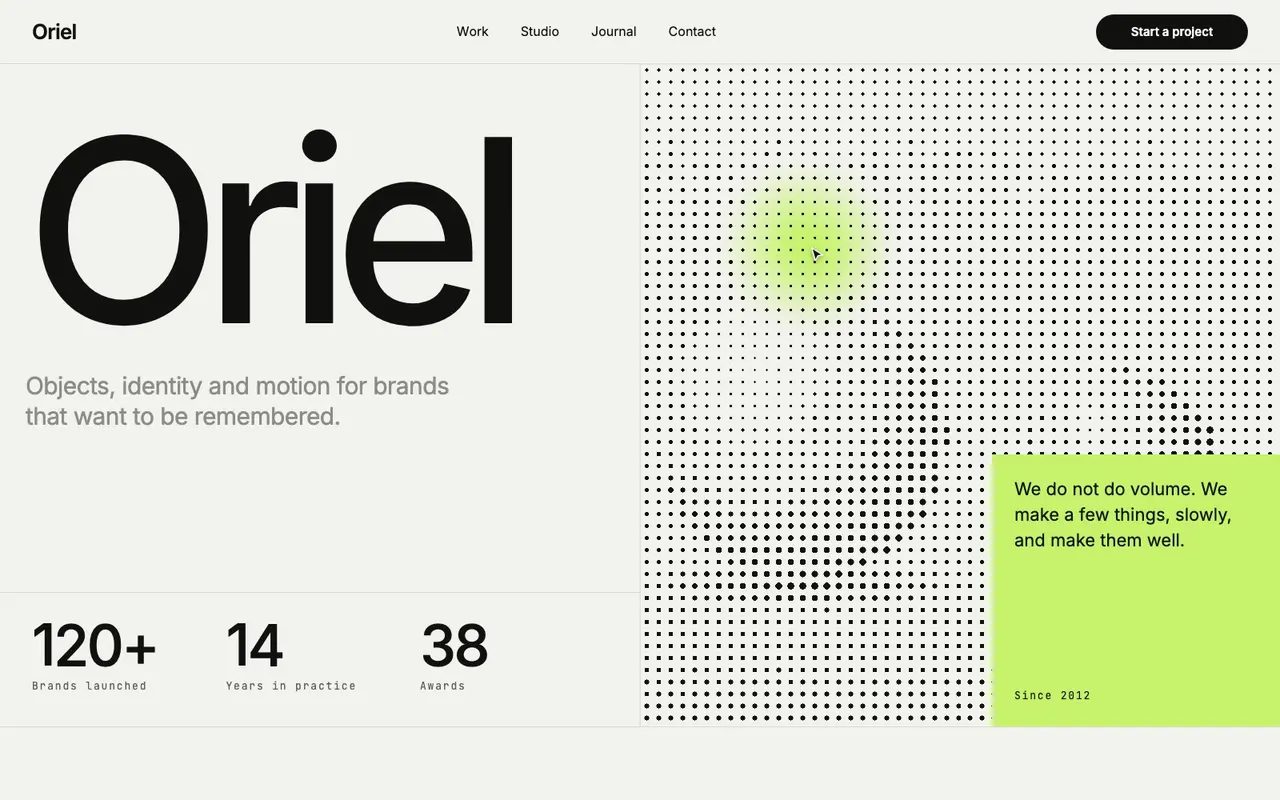
Dither. A field of dots that turns to halftone and leaves a trail.
Fill wipe. A button’s colour that grows from the centre on hover.
Custom cursors. Any layer becomes the cursor, and it can blend with what it passes over.
Match layers. A card grows into the next screen’s header while the rest fades.
Under the hood: Scrollwork
uxdeck’s motion runs on Scrollwork, my open-source engine, under the MIT licence. Your published site carries it, so there is nothing to install and no code to keep in step with the design.
It respects reduced motion: people who ask their device for less motion see every layer at rest, in place.
Read the code on GitHub, or use it in your own pages from npm.
MIT
Open source, free to use in your own work.
About 28 KB
Gzipped, the whole engine; effects are a separate 9 KB.
No dependencies
One file, nothing else pulled in.
Reduced motion
Everything at rest for people who ask for it.
Plans
Every kind of motion and every effect is on Free.
- 01
Motion and effects
Appear, While scrolling, Loop, Effects and custom cursors, on every plan.
- 02
Video
Adding video to a design takes Pro.
- 03
Export
Your published site plays it on every plan; exporting it as HTML, Tailwind or React is on Pro.
Learn it step by step
How each part works, in the Guide, with recordings of uxdeck as it is today.
- Appear on scrollMake a layer fade, slide, unmask or count up the first time it scrolls into view, and stagger text line by line.
- While scrollingMove, fade, reveal or split a layer as the page scrolls past it, from a gentle parallax to letters that come together.
- Loop, Pin and scroll behaviourMake a layer loop for ever, hold a section on screen while the page scrolls, keep a header fixed or sticky, and let a row scroll on its own.
- Text while scrollingLight up words as they are read, cut a headline into slices that come together, or fly letters into place as the page scrolls.
- The Effects libraryBrowse every effect uxdeck plays, then click one onto the selected layer or drag it onto any layer or empty canvas.
- Custom cursor and loaderTurn any layer into a cursor that follows the pointer, or a frame into a loader that covers the page as it opens.
Make a page that moves
Design the motion, publish the site.
Start free