
Components that already work Carousels, accordions and heroes that run on your site.
Drop a Block on the canvas and it works: it swipes, opens, plays and pauses on your site. Every part of it is a layer you can restyle like your own, and it keeps working. If you delete a part it needs, the inspector says so.
Built in, not bolted on
Each Block is made of layers: change its colours, type, sizes and pictures as you would anything else on the canvas.
Each one behaves like the web: arrows, dots, a swipe or a timer for carousels, and a keyboard and a screen reader for all of them.
A carousel that plays on its own stops for people: while the pointer or the keyboard is on it, for anyone who asks for less motion, and when a visitor presses Pause.
Carousels
Pictures, products, testimonials and a logo strip.
Accordions
FAQ lists, details and steps.
Notices
Banners and promos that come in and go away.
Heroes
A showreel, a media grid, a 3D ring and a text cylinder.
Try them here
These run on LivingBlocks, the same runtime your published site carries.
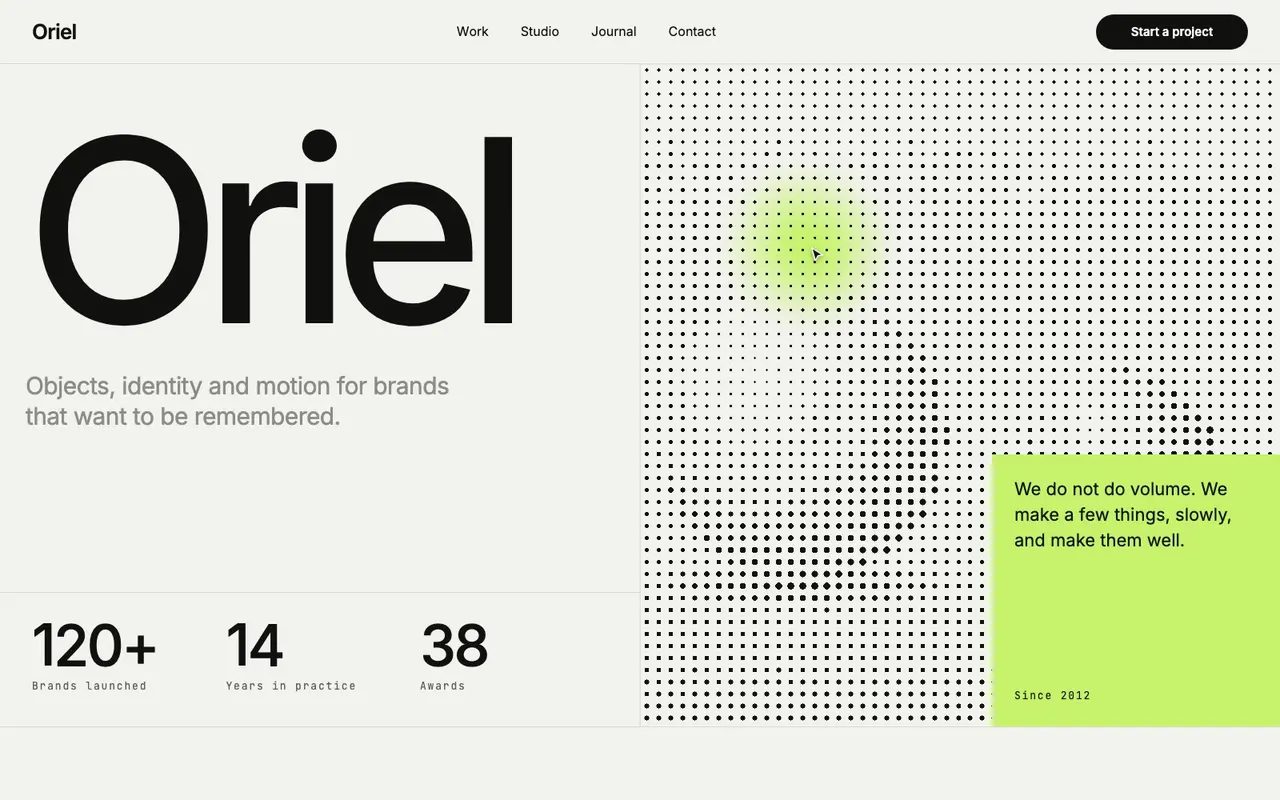
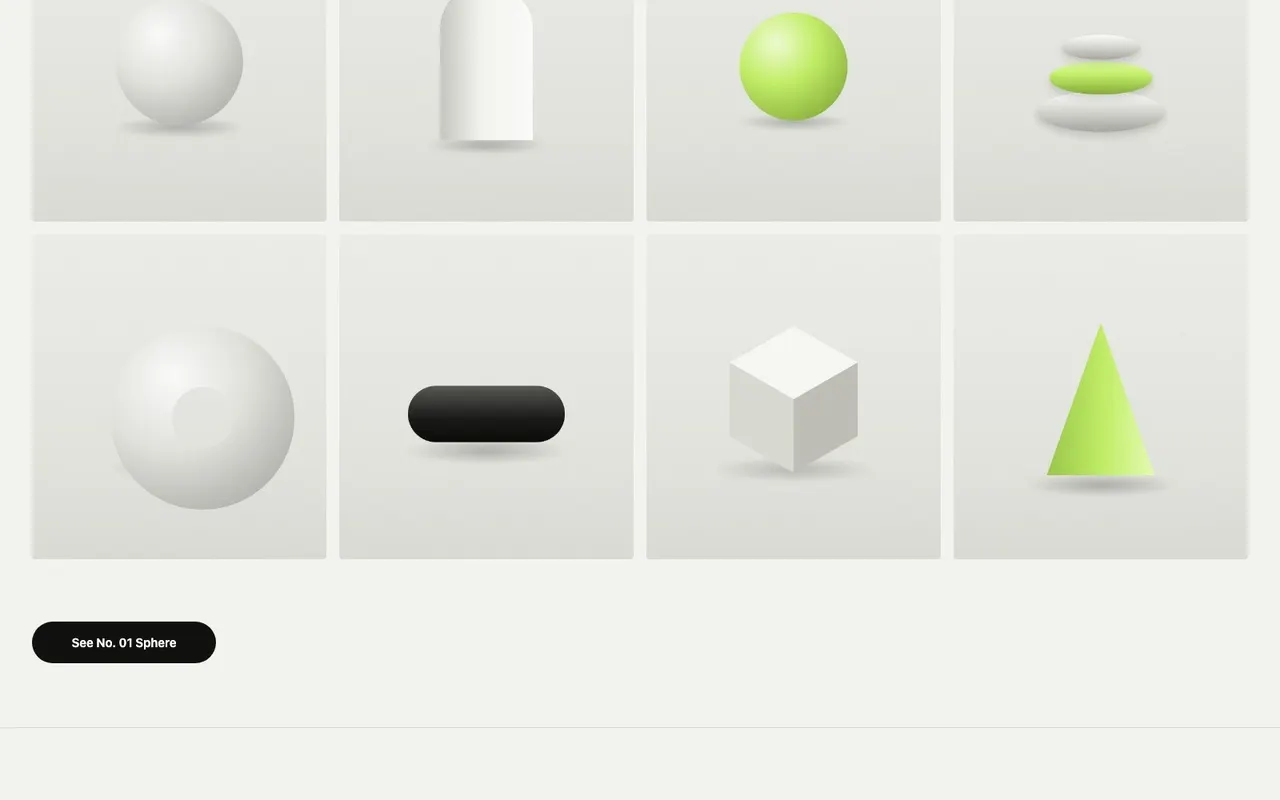
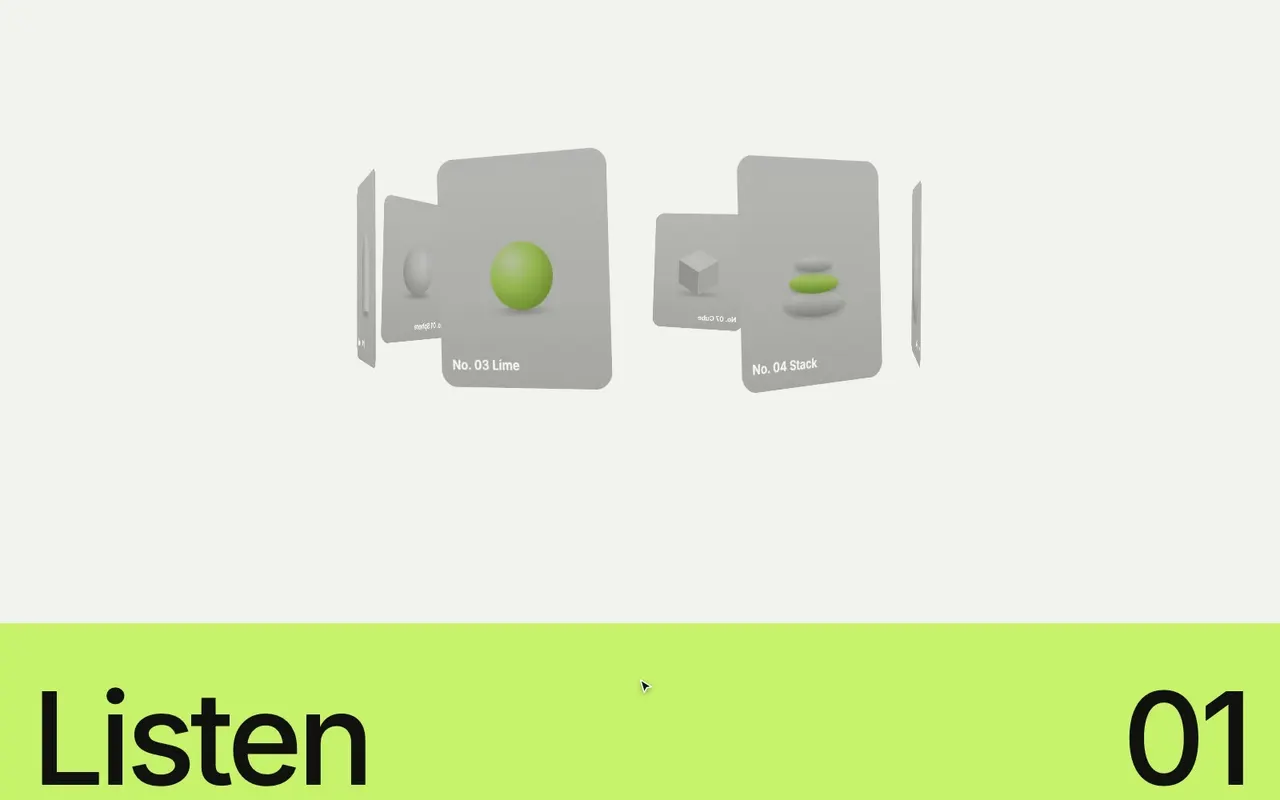
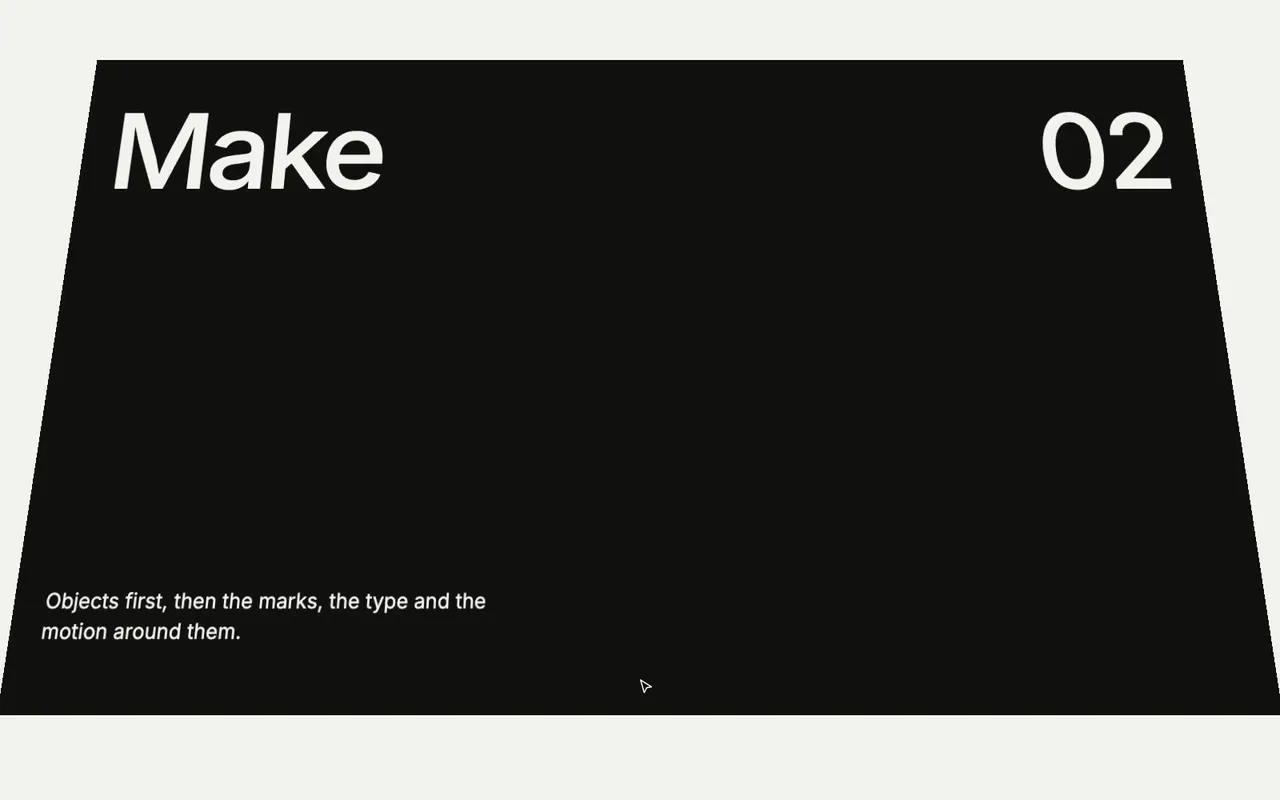
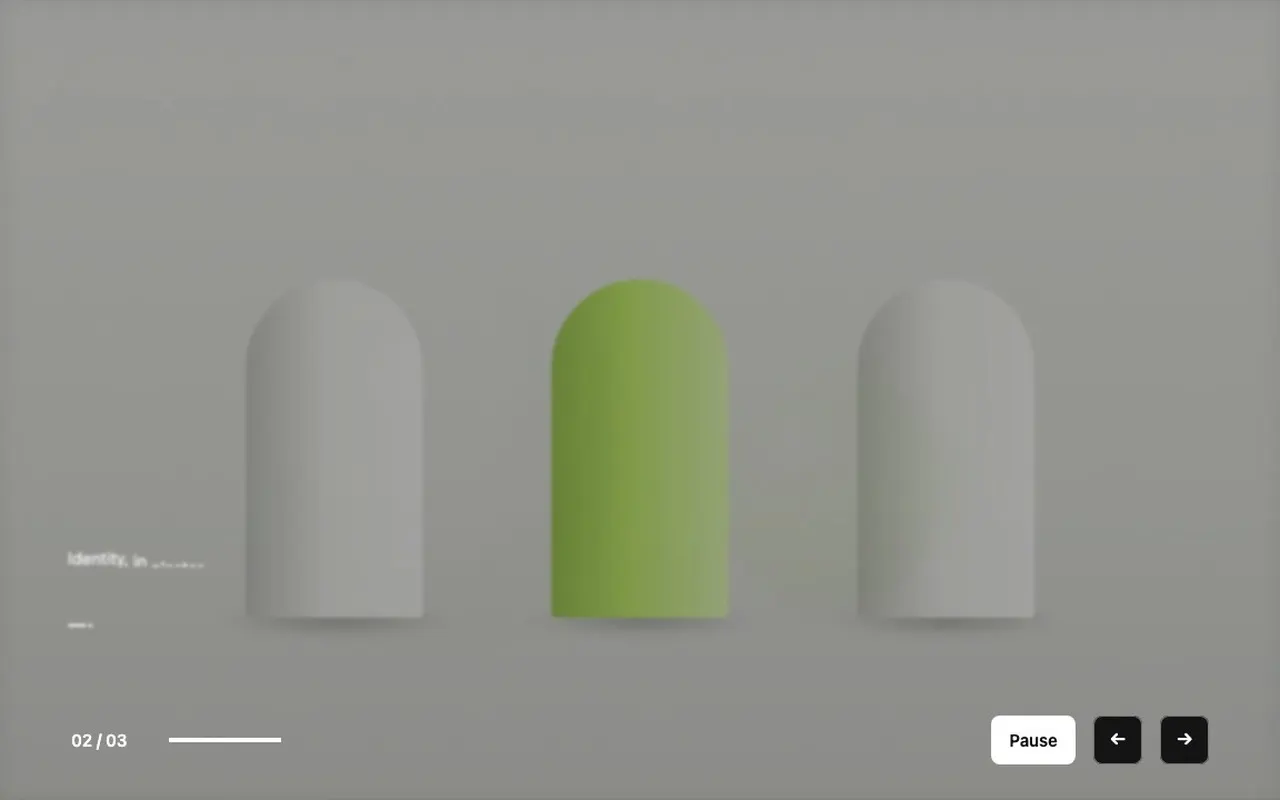
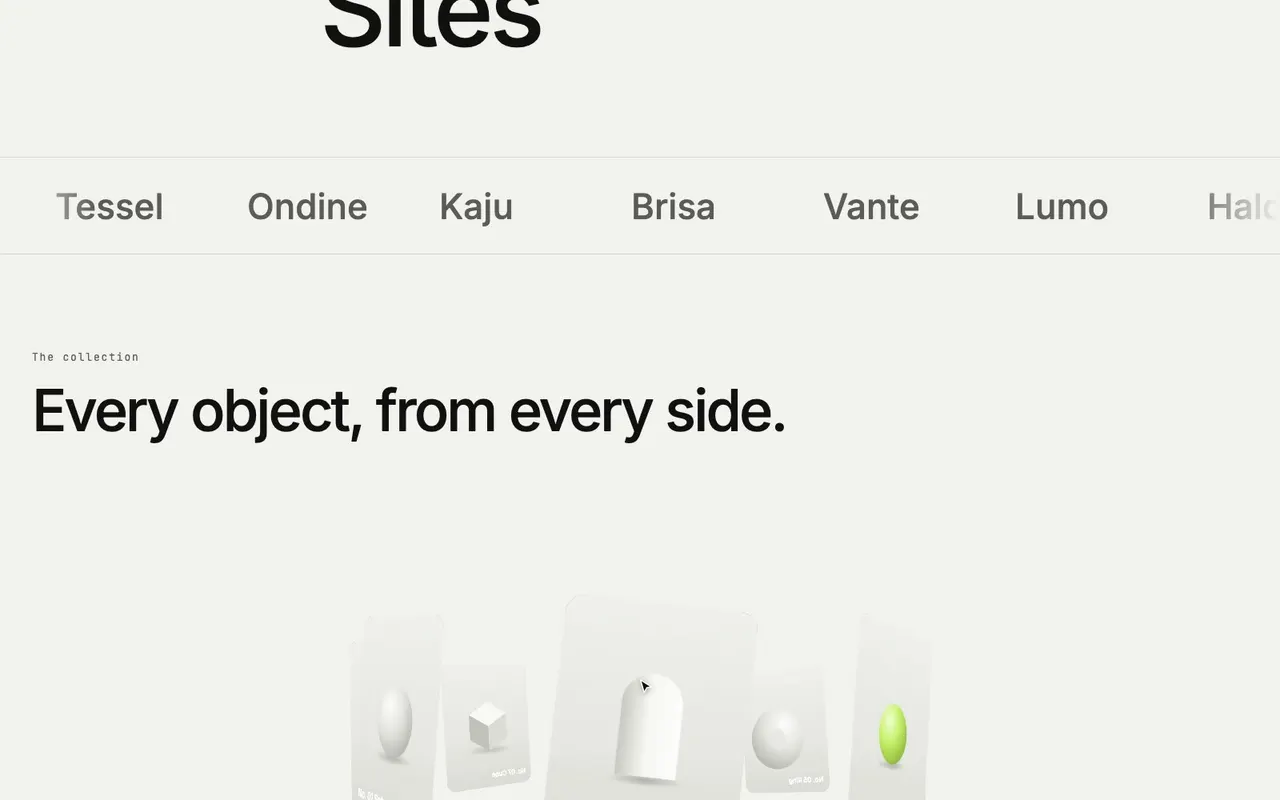
Every part of it is a layer: change its colours, type, sizes and pictures like any other, and it keeps working.
Yes. Carousels swipe, accordions open with a tap, and settings can change at each breakpoint.
No. Choose the settings in the Design tab; your published site carries the runtime.
The inspector says which part is missing, so the Block never quietly stops working.
Seen in a file
Recordings of Blocks in uxdeck and in Preview.
Add one. Open Blocks from the toolbar and click: a working carousel lands in the frame.
Fill it. Add pictures fills the slides; Shown at once sets how many show.
On its own. A carousel that moves every 3 seconds and stops under the pointer.
Steps. An accordion where opening one step closes the other.
Notices. A promo that comes in after three seconds and goes on Close.
Showreel hero. Projects one at a time, each over a full picture.
Media grid. Widen one tile and the grid packs the others round it.
Text cylinder. Lines of large type that roll round a cylinder as the page scrolls.
Logo strip. Logos passing on their own, with a Pause.
Under the hood: LivingBlocks
Blocks run on LivingBlocks, my open-source runtime, under the MIT licence. A Block is data: its layers and its settings. A small runtime on your site makes it work.
It is on npm, for your own pages.
MIT
Open source, free to use in your own work.
About 11 KB
Gzipped, every behaviour.
No dependencies
One file, nothing else pulled in.
Accessible
Keyboard, screen readers and reduced motion.
Plans
Every Block is on Free.
- 01
Blocks
Carousels, accordions, notices and heroes, on every plan.
- 02
Video
A video in a Showreel or a Media grid takes Pro, as video anywhere does.
Learn it step by step
How each part works, in the Guide, with recordings of uxdeck as it is today.
- Add and style BlocksDrop in a working carousel, accordion, notice or 3D piece, restyle it like any other layers, and set what it does.
- CarouselsAdd a carousel of slides, pictures, quotes, products or logos that moves with arrows, dots, a swipe or on its own.
- AccordionsAdd questions that open to their answers, a product's details or numbered steps, and choose what starts open.
- 3D ring and Text cylinderStand pictures round a ring in depth, or set large lines of text round a cylinder, and let the page's scroll turn them.
- Showreel hero and Media gridOpen a site with a full-screen showreel of projects, or show pictures and videos in a dense grid that packs itself together.
- NoticesAdd a message that comes in at a corner or across the top of the window, closes in one press and stays away once closed.
Build with Blocks
Drop one in, restyle it, publish.
Start free